Pause the pull.
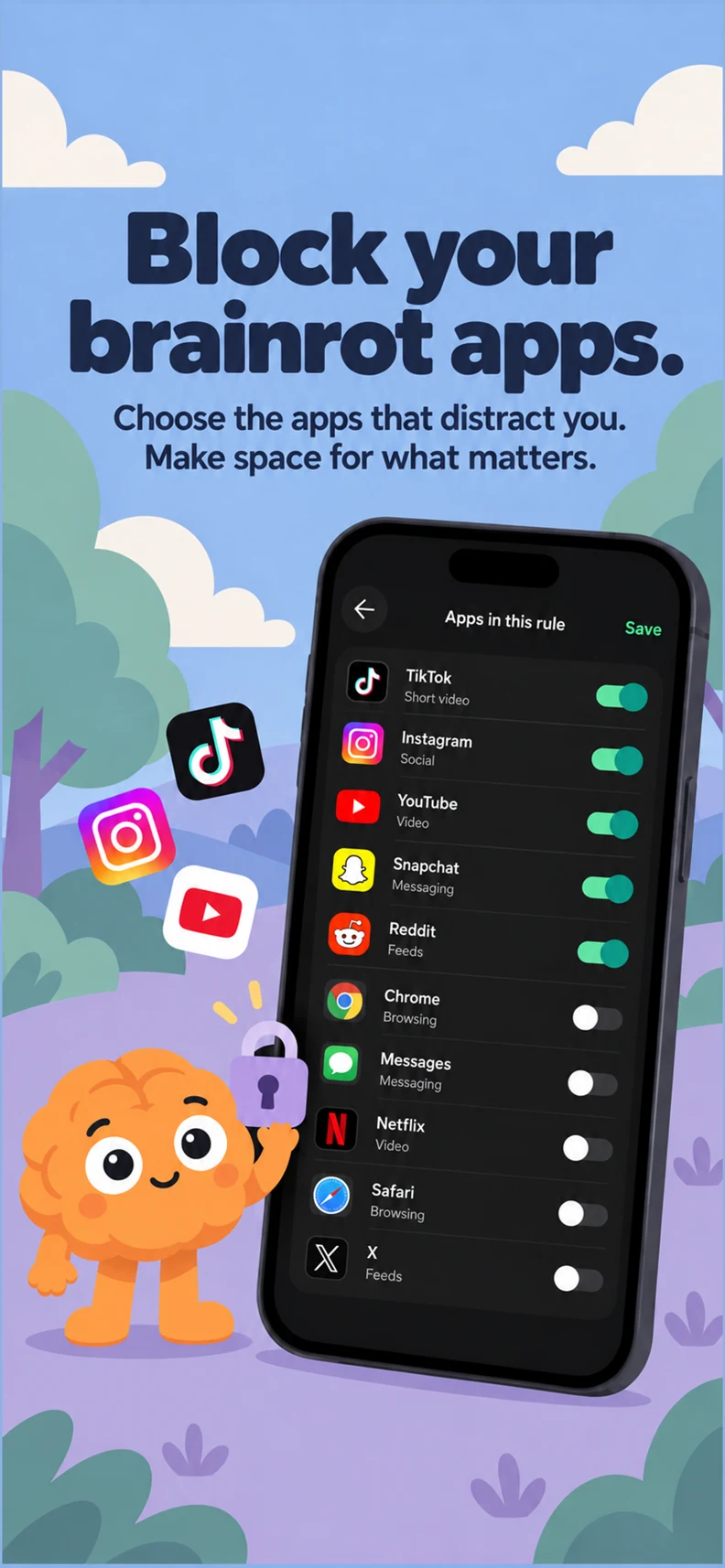
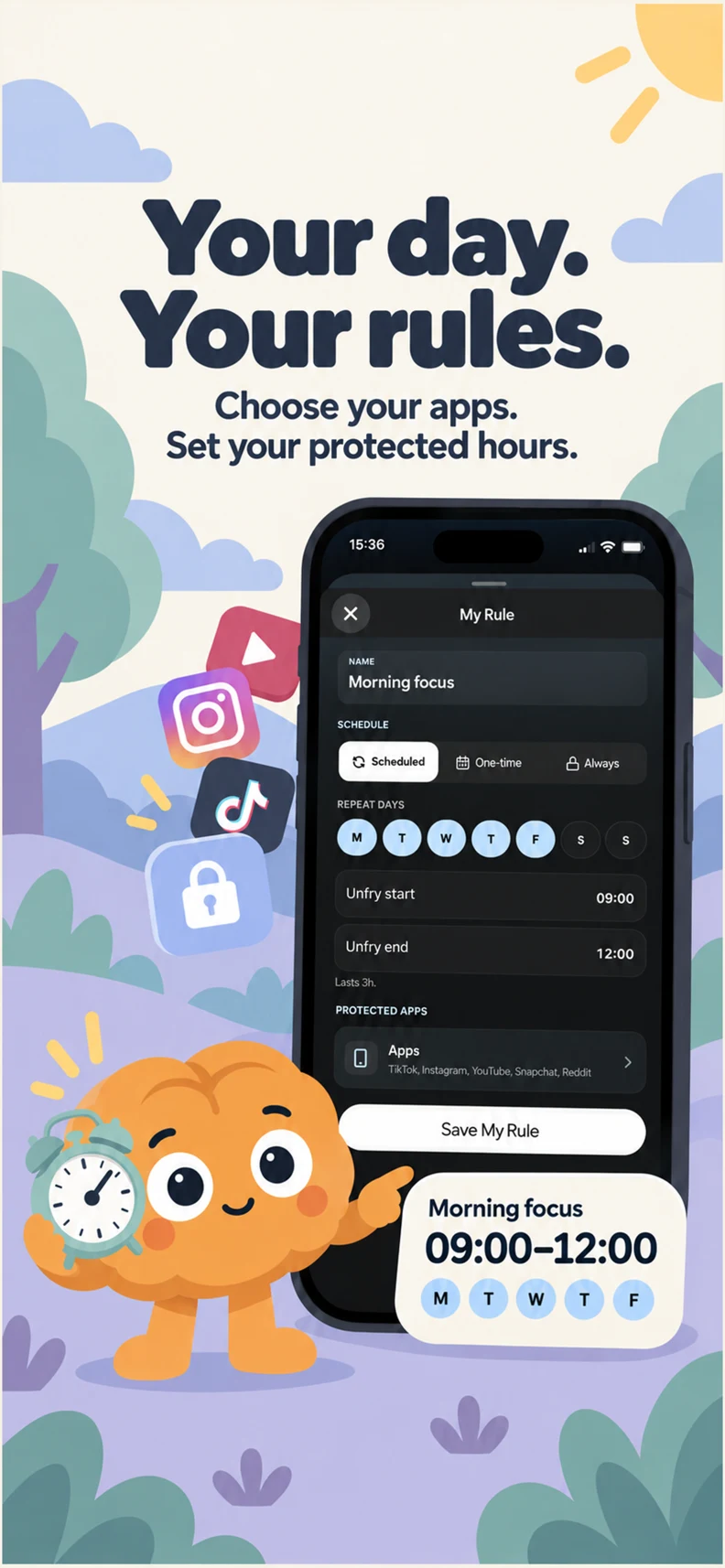
Choose the apps that distract you. Set a schedule, or keep your Frywall on throughout the day.
YOUR APPS. YOUR RULES.
 unfry.
YOUR LIFE, WITH LESS SCROLLING
Put distracting apps on pause. Do something good for you. Earn a little screen time along the way.
Free to try · iPhone & Android
A better kind of screen time
THE SCROLL CAN WAIT
You know that “just five minutes” feeling.
Unfry gives you a small, useful thing to do before your next scroll.
Choose the apps that distract you. Set a schedule, or keep your Frywall on throughout the day.
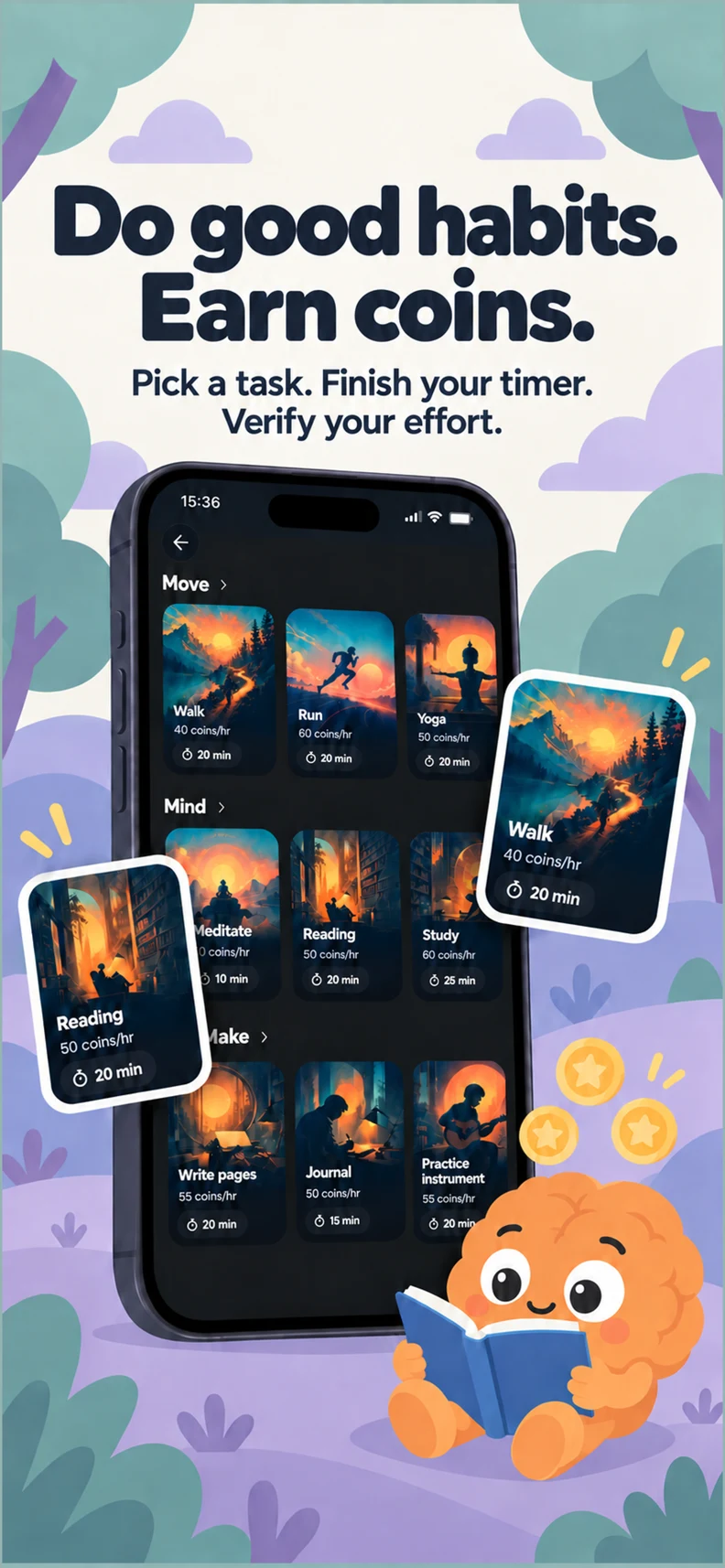
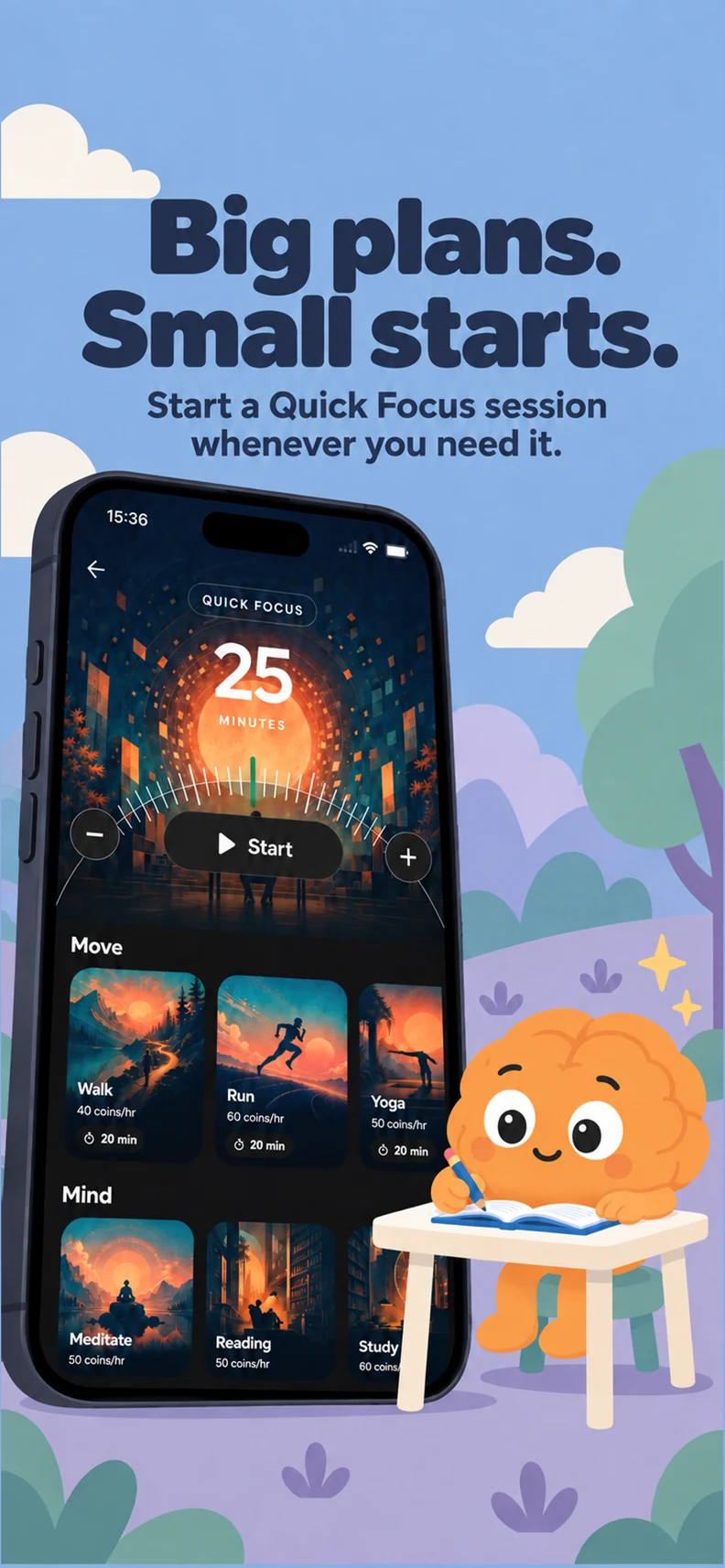
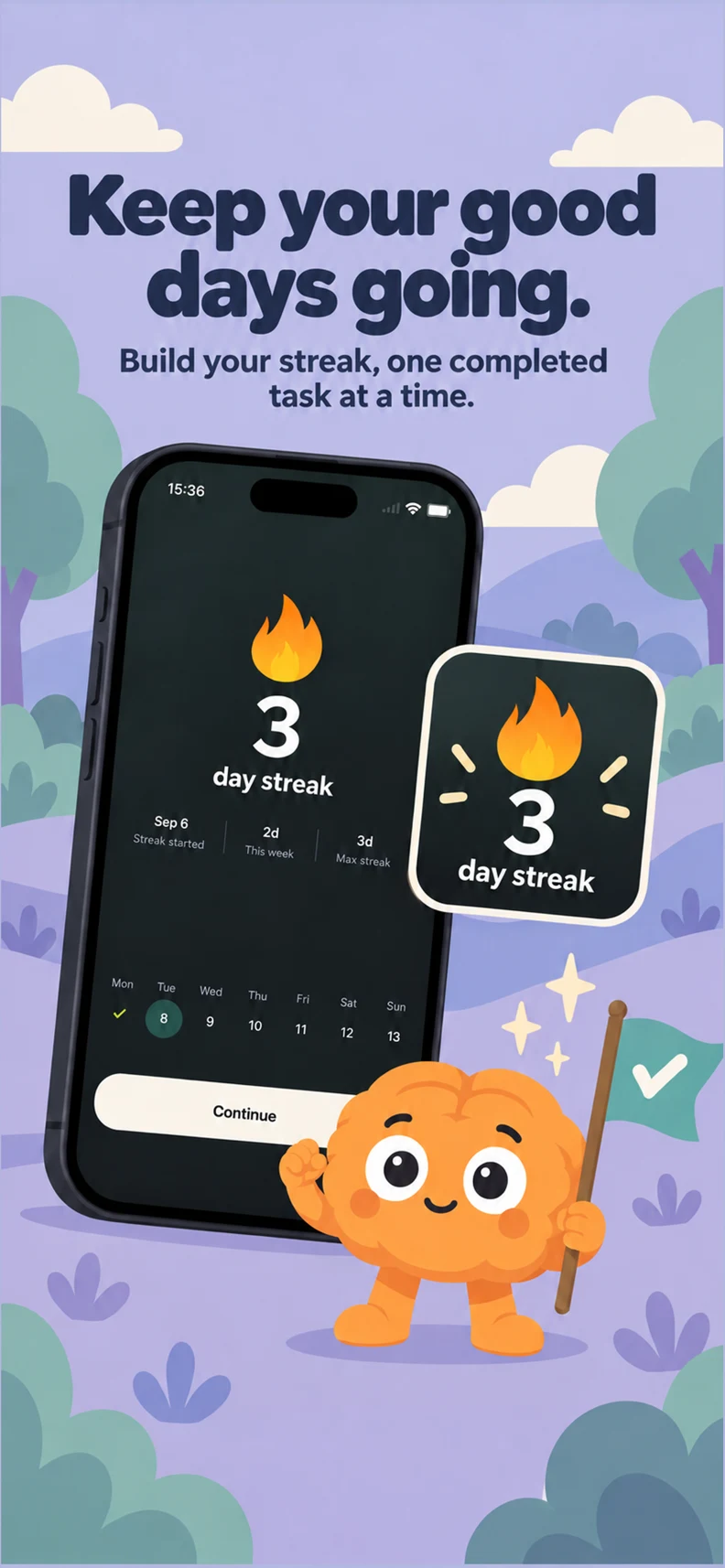
Read, focus, move, or finish a Quick Bit. Complete an activity to earn Braincells, your in-app coins.
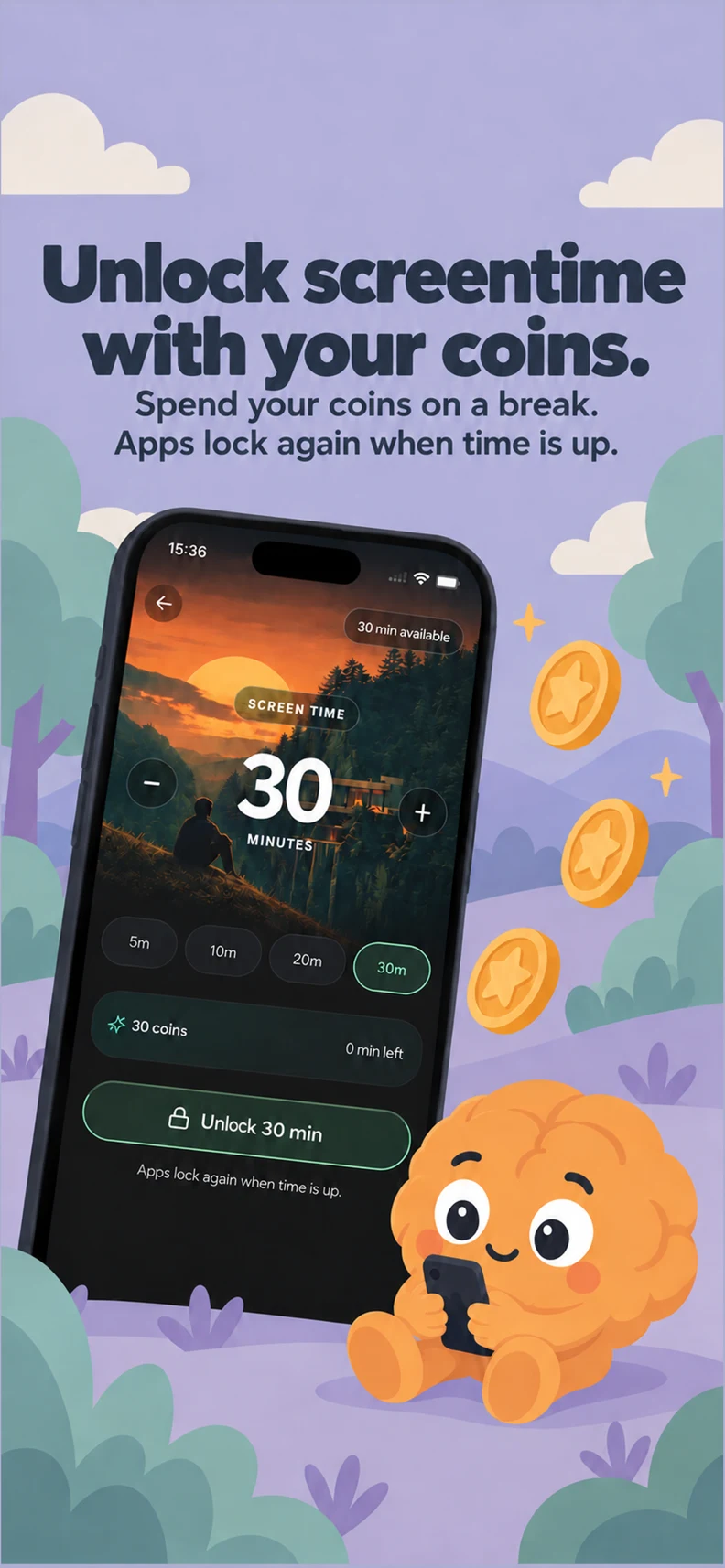
Ready to scroll? Tap Fry to spend your Braincells on screen time. Apps lock again when your break ends and your schedule is active.
A PEEK INSIDE
A focus timer, an app blocker, and a little encouragement to do the things you keep putting off.
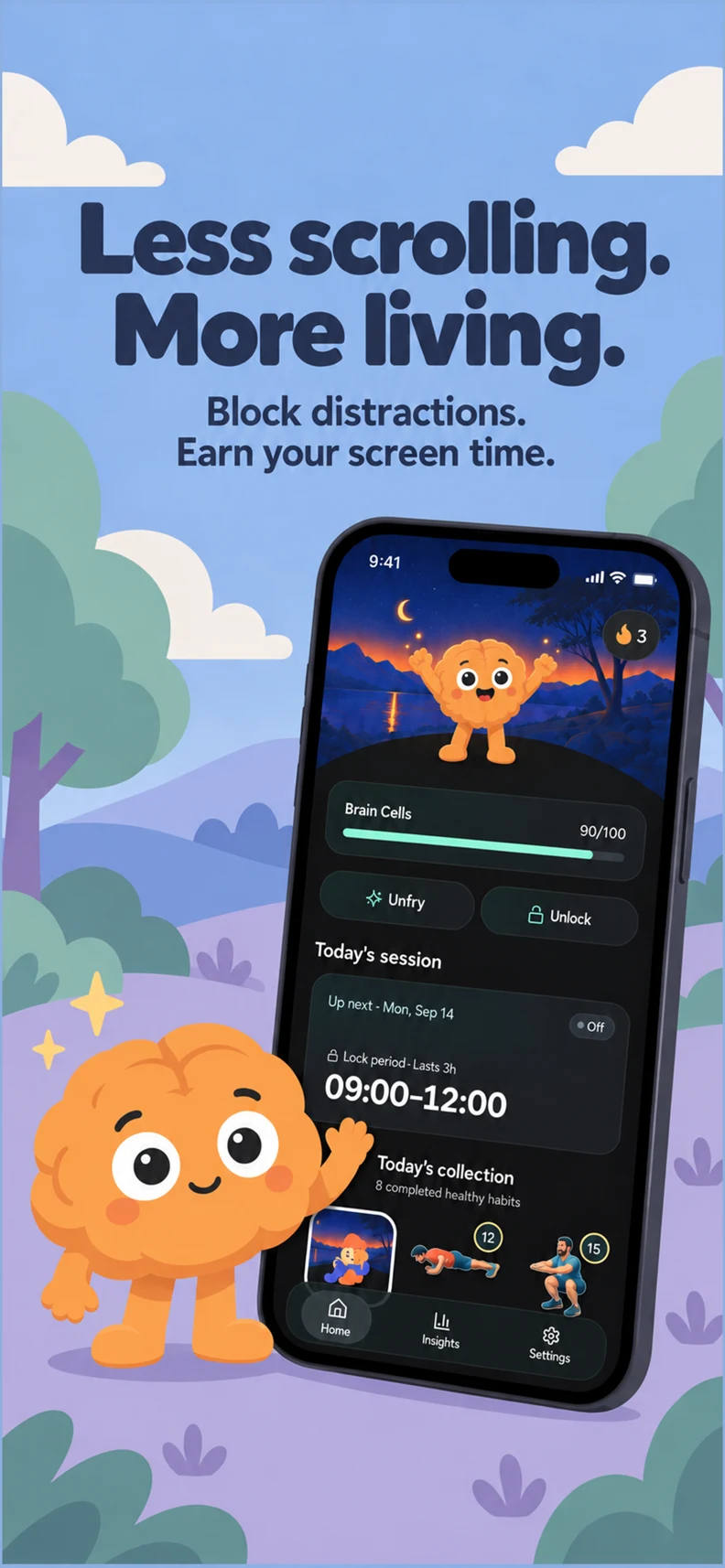
A few small changes can make room for a lot more life.
START WHERE YOU ARE
Some days you have an hour. Some days you have two minutes. Pick something that fits.
Find your next small winGOOD TO KNOW
Complete an Unfry activity or Quick Bit to earn Braincells. Then choose when to spend them on a screen-time break by tapping Fry. Earning coins alone does not unlock your apps.
No. Completed timed focus sessions earn Braincells without a photo check. Quick Bits use guided steps, movement tracking, or photo checks depending on the activity.
Yes. Choose the apps you want to block, then set your protected hours or always-on protection in Unfry. On iPhone, Unfry uses Apple’s Screen Time controls. On Android, the app guides you through the permissions needed for blocking.
Unfry is free to try on iPhone and Android. Available plans, prices, and trial details are shown in the app before you subscribe. You can manage your subscription through the App Store or Google Play.
Our Privacy Policy explains app data, optional analytics, proof checks, and your controls. You can also read our Terms of Service or contact support.
YOUR NEXT SMALL WIN STARTS HERE
Make a little room for what matters to you.
Free to try · Available on iPhone and Android